Send a case. We take it from here.
Send a scan or request a pickup. A complete case moves fastest, so use the checklist below before you send.
Scans · Impressions · Pickups
How it works
Prepare the Rx
Complete a signed prescription with the details in the checklist below.
Send scan or book pickup
Share intraoral scans digitally, or use the form below to request a pickup for impressions and models.
We confirm
We check the case on arrival and contact you if anything is missing or unclear.
Delivery
Finished work returns to your clinic with a delivery note and case reference.
Prescription checklist
Check each item before sending. Missing information puts a case on hold until we hear from you.
- Clinic name, dentist's name, registration number and phone
- Patient identifier, such as initials and clinic file number, rather than a full name
- Teeth involved, with tooth numbering
- Restoration or appliance type and material
- Shade, shade guide used and stump shade where relevant
- Margin, contact, occlusion and pontic preferences
- Implant system, platform and components, for implant cases
- Whether you need a try-in or design approval
- Date required and next appointment
- Signature and date
A printable SmileForge Rx form is on its way. Until then, your clinic's usual Rx format is fine as long as it covers this checklist.
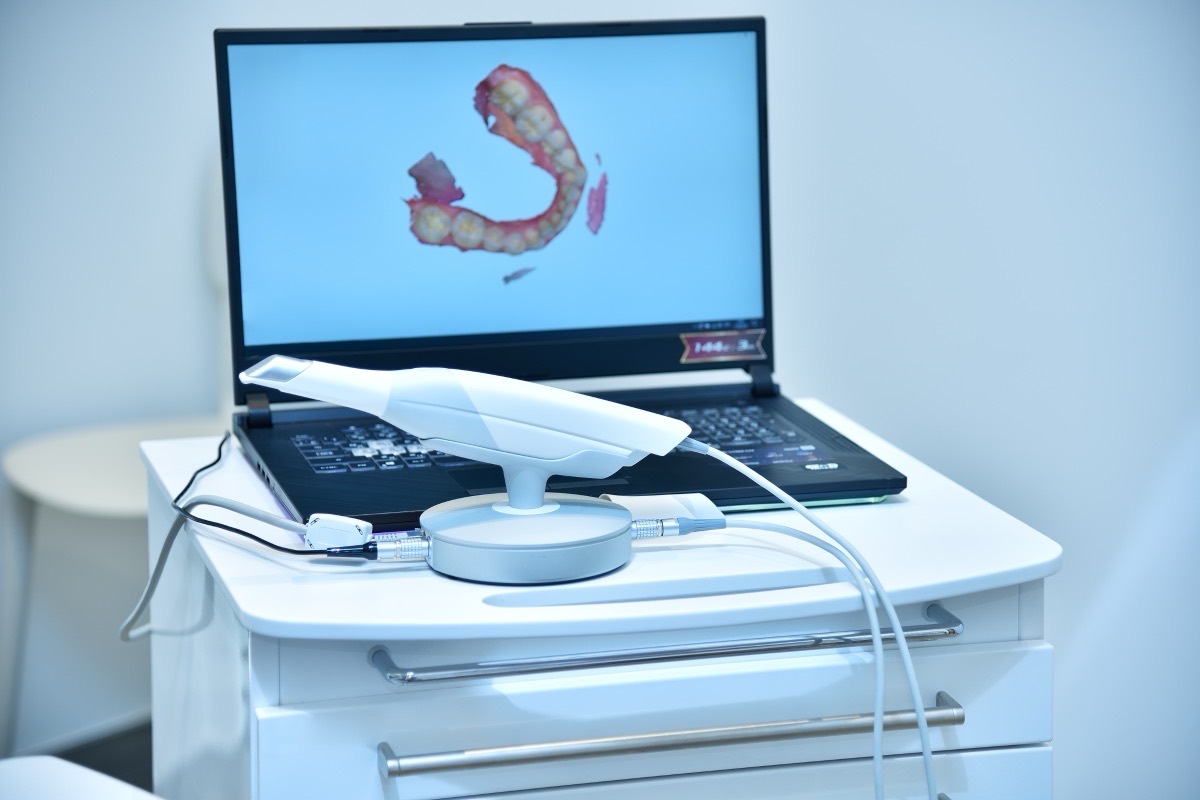
Scans and impressions
Intraoral scans
- Scan both arches and the bite.
- Make sure margins are clear and free of blood, saliva and cord.
- For implants, scan with scan bodies fully seated and note their type.
- Share from your scanner platform, or email open-format files to contact@smileforge.co. Ask us for connection details for your scanner.
- Name files with the patient identifier, not the patient's full name.
Impressions and models
- Check the full preparation and margins are captured without voids or tears.
- Include the opposing arch and a bite registration.
- Disinfect impressions and bites, then seal each case in its own bag with its Rx.
Request a pickup
For impressions, models, try-ins and remake cases. We will confirm the pickup by phone or email. Sending a scan only? You do not need a pickup: share it digitally and email us the Rx.
Pickup, delivery and turnaround are explained in our shipping, pickup and turnaround policy.
Questions before you send?
Talk to us about a case, a material or a scanner connection. We are happy to help before the first case arrives.